THE FULL SKILL
This is the text the agent reads before it designs.
Essence
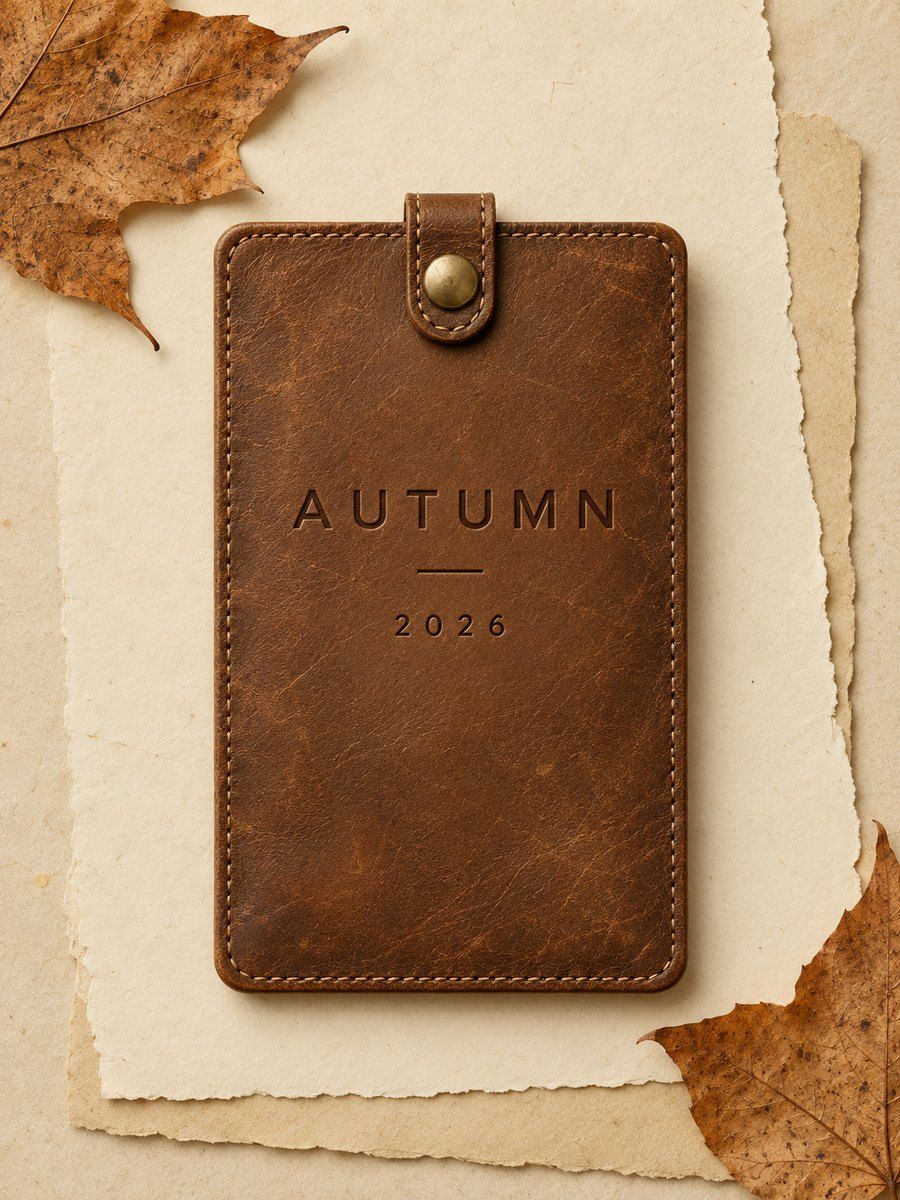
Interfaces that imitate the real objects they replace: Mac OS X Aqua (2001) with its gel buttons and pinstripes, iOS 1 to 6 (2007-2012) with the leather calendar, the yellow legal pad Notes, the wooden iBooks shelf, the green felt Game Center. The idea: a familiar object teaches use before reading (Don Norman: it "gives comfort and makes learning easier"). Raised things look pressable, sunken things look typeable. It faded after iOS 7 (2013) because screens no longer needed training wheels and the ornament cost space, consistency and clarity. Today it works as a deliberate accent: audio gear, a calculator, a journaling app, nostalgic or tactile brands.
Visual vocabulary
- Layout: familiar object shapes first (a desk, a shelf, a notepad), content inside them. Generous padding; chrome is allowed to be thick.
- Light: one source, top-left or straight above. Highlights on top edges, shade below, a thin dark outline to separate the object from its ground.
- Palette: pick materials, each with a mid tone, a highlight and a shade. Leather #6B4A2B / #8A6440 / #3E2A17. Paper #F6F0DC / #FFFDF2 / #D9CFAE. Brushed metal #D5D8DC / #F4F5F7 / #9AA0A8. Felt green #2F5E3B. Accent glass blue #3B82D9 for the one live control.
- Shape: radius 8 for panels, 6 controls, full radius for round knobs; paper cards get 2-4.
- Type: a plain humanist sans for UI, a serif or handwritten face only on the material that justifies it (notepad). Letterpress feel: light text with a 1px lighter offset copy below it, dark text on light material.
- Icons: lucide at stroke 2, drawn in the material color; no emoji.
Translating into Pego
Pego has no shadows, gradients or blur. Fake depth with layers.
- Bevel recipe: outer frame (fill mid tone, stroke 1 shade, radius 8, clip true) with children: a 2px tall full width rectangle in the highlight color at the top, a 2px strip in the shade color at the bottom, content in between. Stack 2-3 tone steps (highlight, mid, shade) as horizontal bands, with the middle band 60-70 percent of the height.
- Drop shadow: a duplicate rectangle behind the object, offset y +3, shade color at opacity 0.25.
- Inset field (text input): fill shade-lighter, 1px stroke shade, top 2px strip darker to read as recessed.
- Paper stitching: dashed look from small rectangles 6x1 in a row inside a flex frame, only for one decorative edge.
- Variables: $leather, $leather-hi, $leather-lo, $paper, $paper-ink #2B2417, $metal, $metal-hi, $metal-lo, $accent-glass, $radius-panel 8, $radius-control 6.
- Landing hero: left, headline in $paper-ink on a paper panel (padding 48); right, one device or dial made as a metal bezel frame (radius full) with a leather ring. Rest of the page plain $paper background and normal sections.
- App screen: desk background one flat color, one leather-bound header band with a stitched edge, content rows as plain paper cards, one raised accent button, the pressed variant in a second component.
Pitfalls
- Overuse is the failure mode: wood plus leather plus felt on one screen is clutter and slows scanning. Material on everything also kills hierarchy because every element shouts.
- Textured fills reduce contrast; always check text against the lightest and darkest spot behind it.
- Fake realism that does not match function (a book that cannot turn pages) feels dated and dishonest.
- Not for dense data tools, accessibility-critical flows or small screens where bevels eat pixels.
Pair with
build skills for landing-page or app screens; keep core rules for spacing and hierarchy.
Fonts: Arimo, Lora, Caveat