THE FULL SKILL
This is the text the agent reads before it designs.
Essence
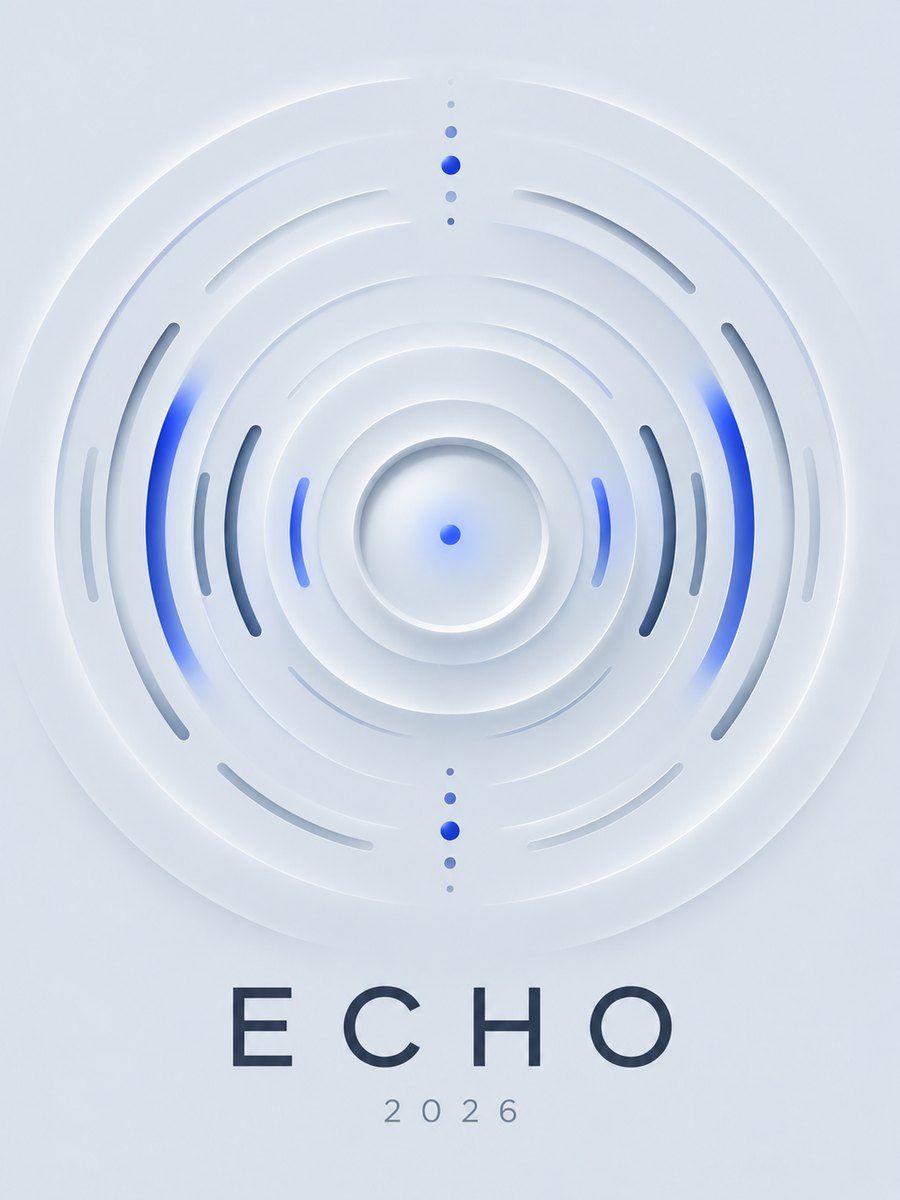
"New skeuomorphism", born on Dribbble in late 2019: one monochrome surface, with elements that look pushed out of it or pressed into it using a light shadow on one side and a dark one on the other. It was a visual fashion, not a response to a user problem, and it caught on in dashboard and smart-home shots. The honest verdict: it is structurally low contrast. Edges between element and background are a few percent different, commonly 1.3-1.4:1 against the 3:1 WCAG 1.4.11 asks of controls, so affordances vanish. Apple moved away from soft depth cues after Big Sur. Treat it as seasoning.
Visual vocabulary
- One surface color, light grey-blue: #E0E5EC (background and element share it). Light edge #FFFFFF, dark edge #A3B1C6. Ink #2D3748 (10.7:1 on surface), muted #4A5568, accent #3B5BDB for state.
- Radius generous: 20-28 for cards, 14-16 controls, full for knobs.
- Extruded = light edge top-left, dark edge bottom-right. Inset (pressed) = reversed, inside.
- Type: clean geometric sans, medium weights, large sizes since the surface is weak: DM Sans, Poppins or Nunito Sans at 16+.
- Icons: lucide stroke 2, dark ink, never light grey.
Translating into Pego
Pego has no shadows. Build the soft edge with offset duplicates:
- Extruded card: three stacked rectangles of the same size and radius. Back-left: fill #FFFFFF at opacity 0.9, offset x -6, y -6. Back-right: fill #A3B1C6 at opacity 0.7, offset x +6, y +6. Front: fill $surface. Wrap in a group or a layout none frame sized to the front plus the offset.
- Inset field: front rectangle $surface with a 2px stroke #A3B1C6 at opacity 0.6 top-left (stroke on a clipped frame) plus an inner rectangle 4px smaller in #D4DAE3.
- Honest fix for contrast: add a 1px stroke #B8C2D2 on every control, and pair state with the accent fill.
- Variables: $surface #E0E5EC, $light #FFFFFF, $shadow #A3B1C6, $ink #2D3748, $muted #4A5568, $accent #3B5BDB, $radius-card 24, $radius-control 14.
- Landing hero (only if requested): $surface page, headline 64 in $ink left, right side one big extruded device card; a single extruded circle button with an icon, accent-filled when active. Feature sections afterward use flat cards with 1px strokes.
- App screen (smart-home dial): one large extruded circle (240) with an accent arc ring as a path, temperature 56 in $ink at center, room chips as normal flat chips below with strokes.
Pitfalls and when not to
- Do not use for forms, tables, navigation, checkout or anything people must understand fast. Buttons that look like the page are not buttons.
- No text in a tint of the surface color; no grey-on-grey labels.
- Do not stack extruded cards inside extruded cards; shadows muddy.
- Disabled and enabled look nearly the same; always differentiate with color and label.
- If the brief just says "soft" or "calm", use a flat low-contrast layout with borders instead.
Pair with
dashboard or hero build skills for one showpiece control.
Fonts: DM Sans, Poppins, Nunito Sans