THE FULL SKILL
This is the text the agent reads before it designs.
Essence
Translucent, frosted panels floating above color, popularized by macOS Big Sur and Windows Acrylic and then by a 2020 Dribbble wave; Apple's later Liquid Glass revived it at system level. The idea: translucency shows layer order and keeps context (a sheet over a map). It works for overlays, menus and a card on a rich backdrop. It fails when text sits on a busy, uncontrolled background. NN/g: use sparingly, sample the colors behind, use stronger blur on busy backdrops, honor reduce-transparency.
The Pego reality
No blur, no backdrop filter, no gradients. Without blur, translucency alone makes backdrop shapes show sharply through text, so it hurts legibility more than real glass would. Honest options:
- Preferred: frosted-look card = near-opaque tinted fill (over light: white at 0.75; over dark: #1E2233 at 0.78, since a thin white tint is too weak for text) with a 1px light stroke.
- Keep the backdrop simple so sharp edges behind the panel do not cross text: place backdrop shapes where the panel edges, not text, overlap them.
- If the user needs true blur, say Pego approximates it and offer the solid card.
Visual vocabulary
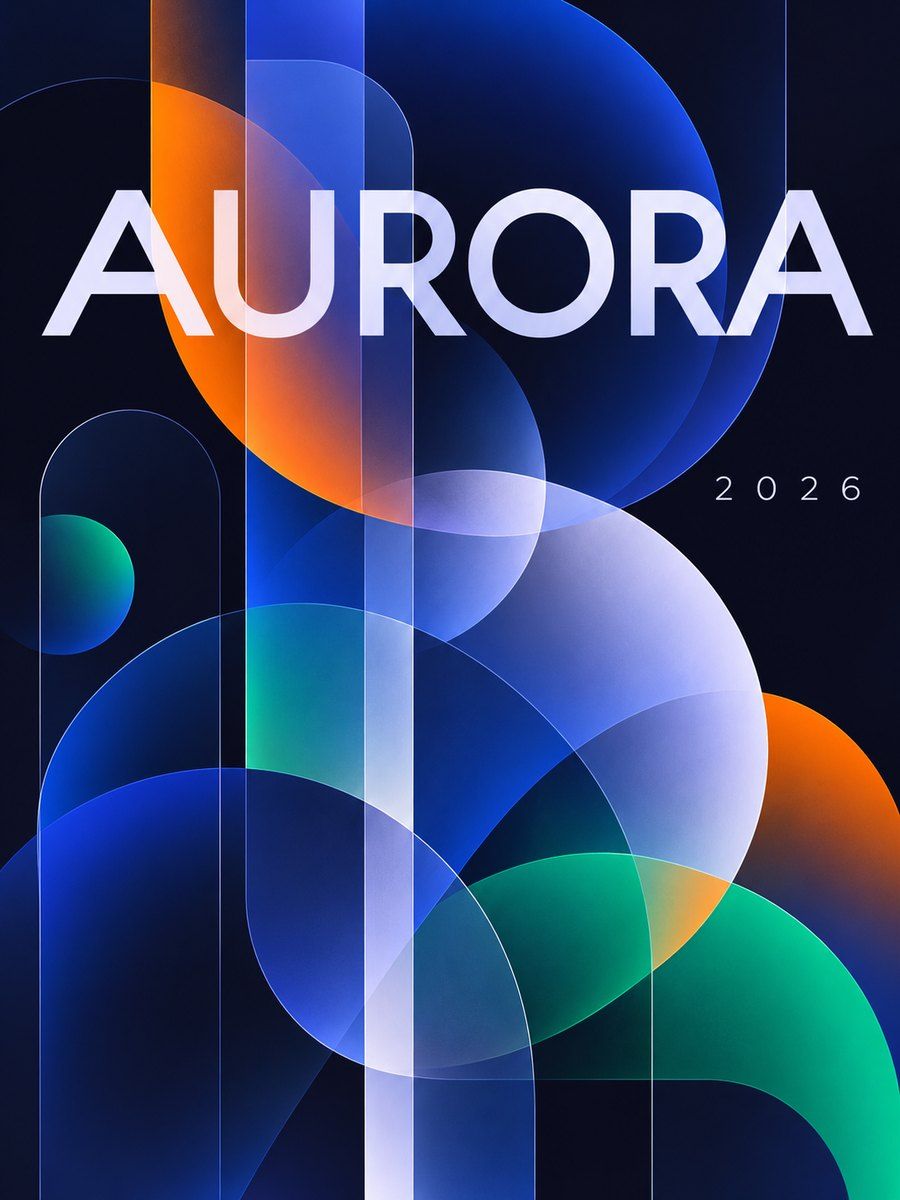
- Backdrop: 2-3 large flat shapes (ellipses, rounded rectangles) in one hue family plus one contrast hue, on a flat base. Dark: base #0E1020, shapes #3B5BDB, #E8590C, #12B886 at 0.9. Light: base #F3F0FF, shapes #FFD8A8, #A5D8FF.
- Panel: radius 20-28, fill white 0.7 (light) or #1E2233 0.75 (dark), stroke 1 #FFFFFF at 0.5 (or 0.18 on dark), padding 24-32.
- Type: crisp, medium weight, large: Inter, Manrope or Plus Jakarta Sans. Text #0B1020 on light panels (about 15:1), #F5F7FF on dark.
- Icons lucide stroke 2 in the text color.
Translating into Pego
- Variables: $base, $blob-a, $blob-b, $glass #FFFFFF at 0.7 (set via a 8-digit hex #FFFFFFB3), $glass-edge #FFFFFF80, $ink #0B1020, $radius-panel 24.
- Hero: page frame layout none for backdrop shapes (ellipses 480-720 wide, positioned partly off the frame, clip true) behind a content frame; headline 64 left on $base directly (not inside glass), one glass card on the right with a product stat or sign-up form, 420 wide, padding 32.
- App screen: backdrop color shapes at the top, a glass sheet (radius 28 top) holding a list of rows; each row plain, separated by 1px strokes at 0.1 opacity; no nested glass.
- Component: Glass Card with props overridden per use; the solid variant is a second component with fill opacity 1.
Pitfalls
- Light text on a pale translucent panel is the classic failure. Do the math on the composite color.
- Do not glass the whole page: navigation, cards, buttons and modals all frosted is slop.
- No blue-purple gradient backdrops by default (core rule); tie backdrop hues to the brand.
- Skip it for data tables, long text and forms, and for photographic backdrops.
Pair with
landing-page hero or onboarding screens.
Fonts: Inter, Manrope, Plus Jakarta Sans