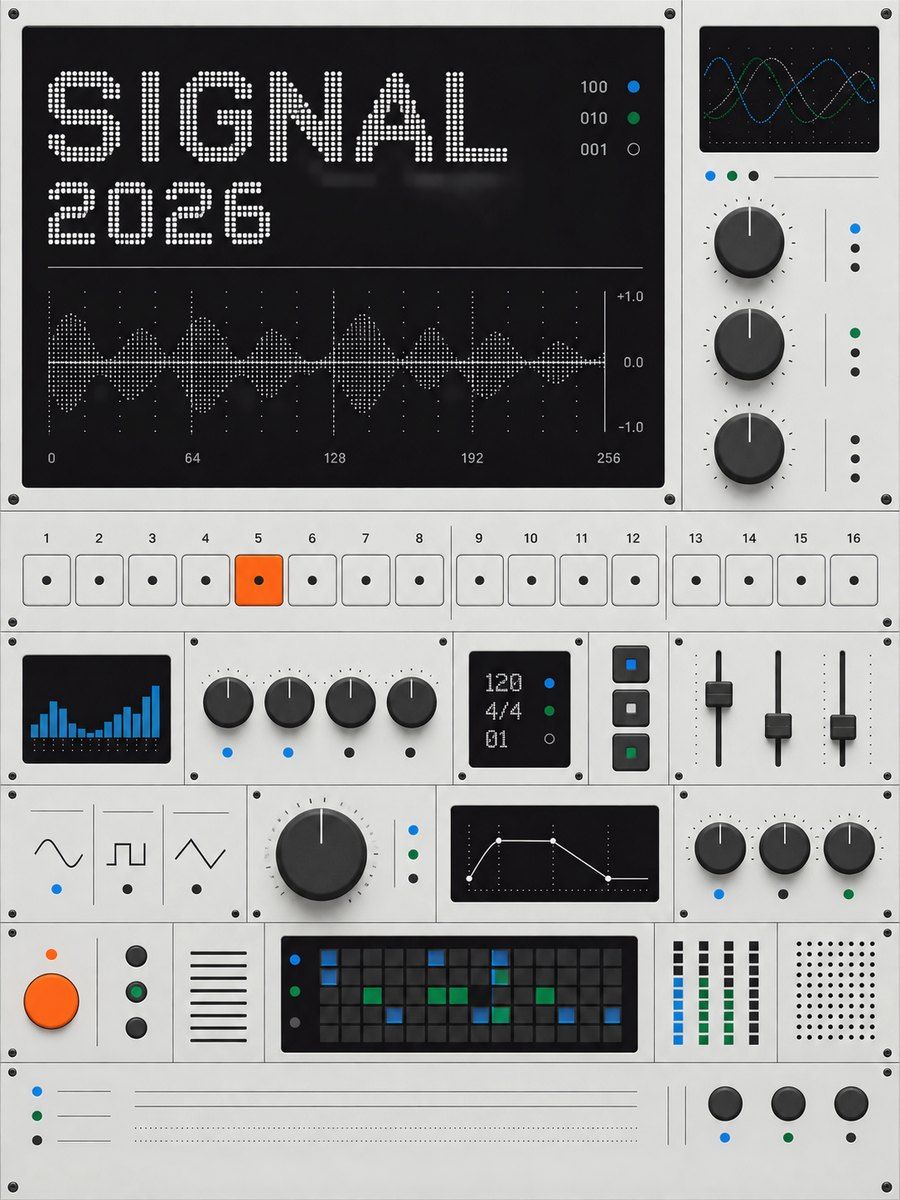
THE FULL SKILL
This is the text the agent reads before it designs.
Essence
A Stockholm studio (founded 2005) whose OP–1, field system, pocket operators and EP–133 K.O. II treat electronics as playful instruments: few controls with one job each, a small screen, honest materials and one joke. Translate the object, not the music: any product can be a panel.
Visual vocabulary
- Material: 90% greys (aluminium #E5E5E5, black #0F0E12, graphite #272727), under 10% signal color. Orange #F05A24 is the voice; blue #0071BB, green #006837 and yellow #FAB413 appear only as encoder caps and status lights.
- Type in three voices: thin lowercase sans for speech (weight 200-300), uppercase tracked labels like print on a panel, dot-matrix numbers on small screens. Orange katakana is a second accent: one or two words beside a label, on black; on light grey only large and only on $surface.
Fonts: Noto Sans JP, Doto
- Model numbers with an en dash (TP–01), numbered sections and keys (01, 02), registration crosses and tiny technical labels in corners, one starburst sticker rotated about -8 degrees.
Hardware to UI
- Numbered key (number bottom-left, label top-right): segmented control, tab, nav item, filter.
- Two-function key (action on top, shift action in orange on a black lower half): action plus secondary action.
- Encoder (ring plus colored cap): slider or stepper; the cap color names the parameter.
- Big round orange button: the one primary action (record, send, export).
- Small black screen: readout, hero number, status.
- Slide switch plus LED dot: toggle and live state.
- Black pill plus blue text link: the web CTA pair.
- Starburst sticker: one surprise per screen (new, beta, sale).
Black edition
The dark direction: same token names, applied with set_variables on top of field-instrument. Use it when the prompt asks for dark or black, and for social posts by default. Links in dark are $text with a 1px rule or $accent (blue fails on graphite). Variables are document-wide: beside light designs, add the swap as dark- variables (dark-bg, dark-surface...) instead.
Black edition tokens: bg #0F0E12, surface #272727, surface-2 #3B3B3D, border #4D4D4D, text #F5F5F5, text-muted #B2B2B2, accent #F05A24, on-accent #0F0E12, danger #FF7A6B
Black edition roles: body and panels $surface, keys $surface-2 with a #000000 key shadow, active key $accent, screens #0F0E12 with #F5F5F5 numbers.
In Pego
- Key: a component whose paint sits on an inner cap frame (a ref cannot repaint its root), so instances switch light, dark and active through descendants. Cap: radius $radius-sm, fill $surface, $text or $accent; shadow x 0, y 2, blur 0 in #B2B2B2, #000000 or #9C3612. Number 15/300 bottom-left; label 11/500, letterSpacing 1.5, top-right, typed in uppercase.
- Panel: fill $surface-2, padding $space-sm, radius $radius-lg, so a key in its corner nests (4 + 8 = 12).
- Encoder: ellipse 40, fill $surface-2, 1px $border stroke; inner ellipse 24 in a signal color with an inner shadow.
- Screen: frame fill #0F0E12, radius $radius-sm, inner shadow; number #F5F5F5 in Doto 900, unit in Doto 700 $accent. This style puts the unit in orange, not $text-muted: grey is unreadable on the black screen. Charts are plain bars, the highlighted one $accent.
- Starburst: one path, a 32-point star on viewBox [0, 0, 100, 100], fill $accent, Doto text on top. Keep it fully inside the shape it sits on; check_layout warns on partial overlaps.
- Dashboard: side panel with numbered nav keys and a live switch; thin lowercase title; time range as a row of keys; one screen with the main number and chart; small readouts on $surface; table with uppercase 12px headers, 1px $border row rules, right-aligned numbers, status as an LED plus a word.
- Landing page: lowercase nav with a small black pill; a technical label with a model number; thin centered headline (h1 or display, weight 200); one body line; black pill plus text link; the product's own UI drawn as a device as the hero image, with one starburst; a spec row of Doto numbers over uppercase labels, below a 1px rule.
- Social post: 1080x1350 in the black edition: one giant Doto number, one thin sentence, two or three keys as ornament, technical labels (28-32px) and registration crosses in the corners, an optional starburst.
Pitfalls
- Orange creep: a second orange control group, orange text on light grey, orange backgrounds.
- Texture, gloss, gradients or soft shadows instead of flat tones and key travel.
- Copying the brand: no logo, wordmark, product names or photos of their products.
Pair with
dashboard, web-app, landing-page, social-media, mobile-app, slides.